aplexer: an agent multiplexer for AI coding agents
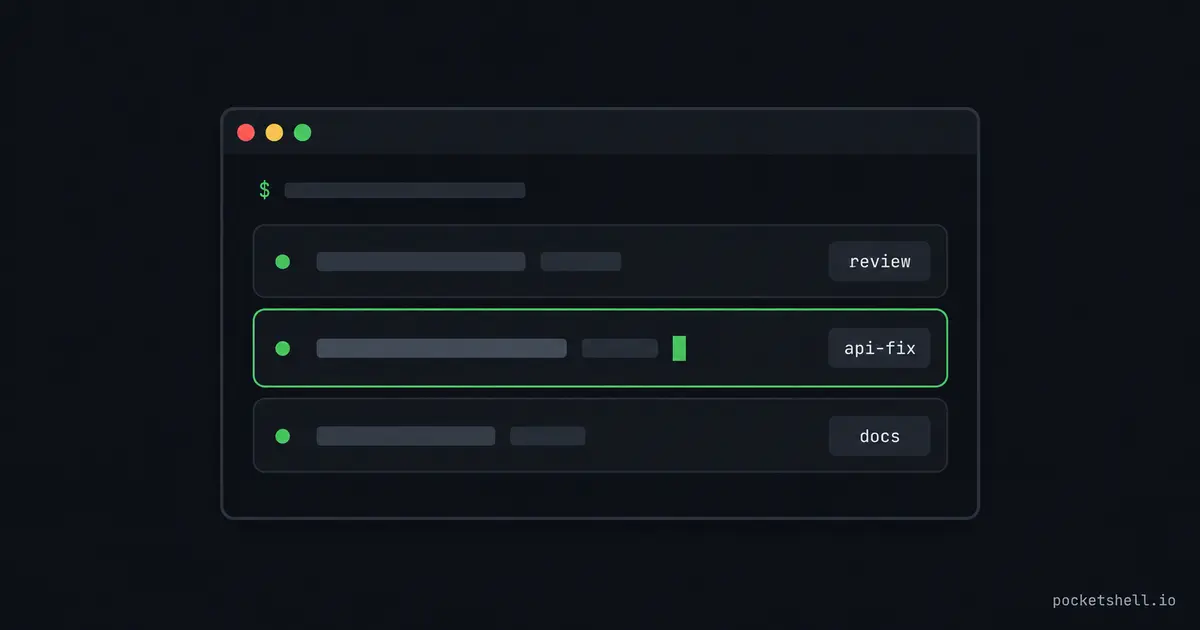
You SSH into a server, start three agents in three tmux panes, and come back an hour later. One run finished, and one has been sitting on a permission prompt since you left. The third has been quietly going the wrong way, and nothing on your screen tells you which is which. tmux can't answer any of that, because tmux is a generic terminal grid and none of those panes know what's running inside them.
aplexer is a multiplexer built around a different idea. An AI agent is a first-class thing to run, address, and talk to. It keeps the part tmux is good at, sessions that survive disconnects, and adds the layer tmux never had. Each session knows which agent runs inside it, in which directory, and under which tag.
tmux was built for terminals, not agents
These gaps bite as soon as your panes hold agents instead of shells:
- A tmux pane has the nickname you typed, nothing more.
window3could be a shell, a log tail, or a mid-refactor Codex run, and nothing tells you which until you attach. - One tmux server hosts every session. A runaway agent that eats all the memory can take the whole server down, bystanders included.
- An agent inside a pane can't ask where it's running. There's no "which session am I" question in tmux, so scripts and hooks can't adapt to the session they live in.
Aplexer answers all three with an identity model. A session is workspace + tag + engine, so ~/git/pocketshell with tag review is a real,
addressable thing instead of a pane title you have to remember.
Each session also runs in its own worker process with its own Unix socket and PTY, and it can get its own cgroup. A session you capped with a memory limit gets OOM killed alone while everything else keeps running.
Install and start your first session
aplexer doesn't ask you to build anything. Grab the prebuilt a and
aplexer binaries for Linux on x86_64 and arm64 from the
releases page, mark
them executable, and put them in ~/.local/bin/.
If you'd rather use a package manager, pip install aplexer installs the
CLI binaries and needs Python 3.11 or newer. With
uv installed, uvx aplexer runs the CLI with
no permanent install at all.
The short a is what you type, and aplexer is the per-session worker it
manages.
Your first session:
a start --workspace "$PWD" --tag shell -- /bin/bash -l
a list
a attach --workspace "$PWD" --tag shell
Detach with Ctrl-b d and the workload keeps running, same as tmux. The
worker keeps a live model of the terminal state even while you're detached,
so a attach repaints the screen exactly as the workload left it. Attaching
to a running agent TUI puts the screen back where the agent expects it,
instead of replaying a garbled tail of raw bytes.
Sessions have an address, not a nickname
Every session has four coordinates. The workspace directory locates it, and the tag names it. The engine picks the agent, and the profile picks the account or variant.
You address a session by a UUID prefix or by workspace and tag, and a list groups everything by workspace with the engine shown for each row:
a start --workspace ~/git/pocketshell --tag review --engine codex
a start --workspace ~/git/aplexer --tag docs --engine claude
a list
When an agent starts a session of its own, the child records its parent, so agent-spawned sessions stay traceable to the run that made them. That matters once agents start delegating work to other agents.
Engines, profiles, and shortcuts
A single TOML file at ~/.config/aplexer/config.toml declares how agents
launch. Built-in engines cover the agents you'd expect, plus a plain shell.
A profile describes a variant of one engine, usually a different config directory:
[profiles.zodex]
engine = "codex"

[profiles.zodex.env]
CODEX_HOME = "/home/you/.zodex"
Discovery does most of this for you: a ~/.zodex directory with a real
codex config inside becomes a zodex profile automatically.
Shortcuts then collapse a whole launch command into two letters:
a - coz     # codex with the zodex profile
a - clz     # claude with the zai profile
a - g       # grok
Agents that know where they are
Inside a session, a whoami reports the session you're in, the workspace,
and the engine and profile it runs under. Hooks and scripts use that to
adapt their behavior to the session they live in.
From outside, every a list row shows which agent aplexer sees running in
the session right now, detected from the live process tree rather than from
configuration. The answer can't go stale, because detection happens at query
time.
States like working, waiting, and idle tell you which session needs
you before you attach to anything, and waiting usually means a permission
prompt is blocking on you.
Agents in the same workspace talk to each other over durable inboxes, which turns parallel sessions into something like a team:
a message send --to review "backend is done, see api.md before you continue"
a message inbox --new
When you want to reconstruct what an agent did while you were away,
a transcript reads the agent's own JSONL logs into a timeline of events.
a capture --screen --plain prints the current screen as text.
Everyday verbs
The automation surface takes UUIDs and flags, but at a real terminal the task-shaped vocabulary is all you need:
a                  # sessions at a glance: workspaces, states, what needs you
a here             # create or reattach the main session in this directory
a here codex review  # create or reattach codex, tagged review
a open review      # attach by tag in the current workspace
a new              # another fresh session in this workspace, attached
a 2                # attach to session number 2 from the list
a current          # which session is this shell inside?
a keys             # the attach-mode key reference
a with no arguments is the command I run most, because it's the status
board: one glance tells you what's running and what's stuck.
The PocketShell connection
PocketShell is a browser-based terminal to your servers. Your host list lives in your account, and any device with a tab gets a real terminal to them. Its web and desktop apps are aplexer clients.
The sessions you
start here are what you attach to from a browser tab, and a list's states
become the host view you pick from. The server keeps aplexer as its session
layer and nothing else. The PocketShell homepage
walks through the whole flow.
To learn more
These three pick up where this one stops: