Managing AI agents over SSH: a day-two guide
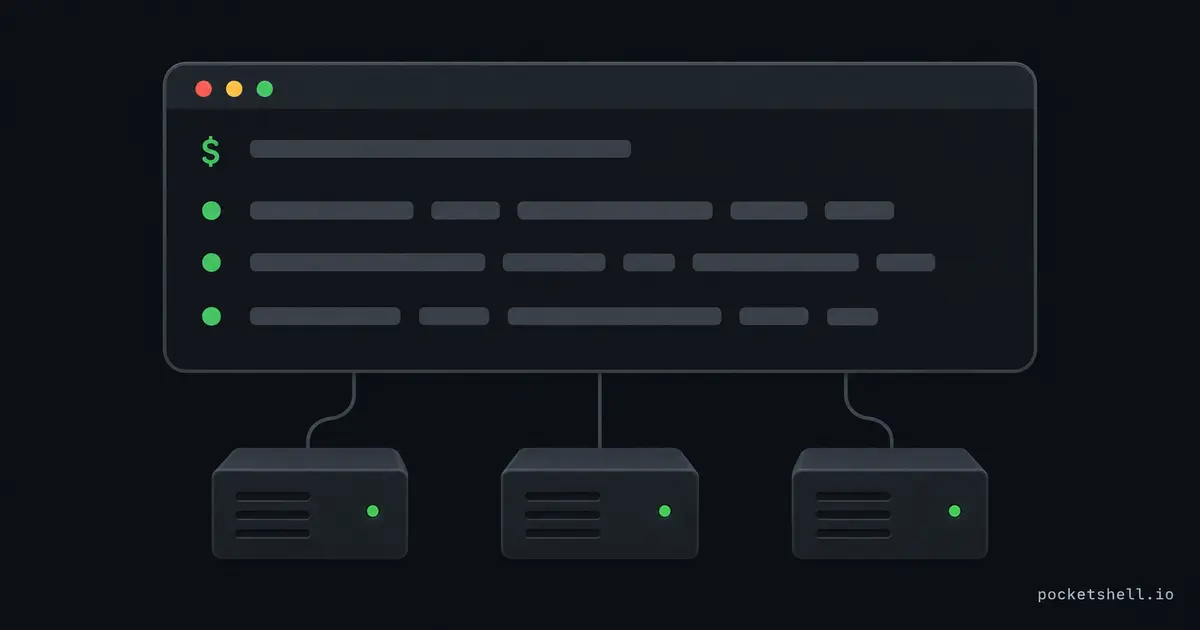
Getting an agent onto a server is the solved part. You SSH in, start it in a session that survives disconnects, and walk away. (If that part isn't done yet, the day-one setup guide covers it first.)
Day two is when the real job starts. You have a handful of runs on a handful of machines, and one of them needs a decision while the rest are fine. You can get good at running that fleet over SSH, and the first habit is refusing to attach blind.
Inventory first: list before you look
Attaching to a session to find out what it's doing costs you a terminal and your train of thought. Listing costs one command.
With aplexer running the
sessions, a list shows every workspace and the agent inside each session:
a list
If you haven't installed aplexer yet, that introduction covers the install and your first session.
The states are semantic, and they save you from attaching blind. working
means the agent is making progress, and waiting usually means a permission
prompt is blocking on you. Start with the waiting row, because that's the
run that needs you.
For scripts or a cron that reports in, the same data is machine-readable:
a status --workspace "$PWD" --tag review --json
a snapshot --json
The agent column is detected from the live process tree at query time. It reflects what's actually running, not what the session was configured with.
Attach on purpose, detach by reflex
When the list says a session needs you, attach to that one session, decide,
and detach. a attach repaints the screen exactly as the workload left it,
so an agent TUI comes back exactly where the agent left it, cursor and all.
Detach with Ctrl-b d the moment you're done, and the run continues.
Sessions accept several attached viewers at the same time. Input from every attached device goes to the same PTY, and output fans out to all of them. You can sit in the same session from a laptop and a phone while the agent runs.
One caveat when several viewers share a session: the most recently active device controls the window size. A passive viewer at a different size may see a clipped view until it becomes active.
Talk to a session without watching it
Some interactions don't need an attached terminal at all.
a send pushes keystrokes into the session, which is enough for a quick
confirmation you've thought through:
a send --workspace "$PWD" --tag shell --enter 'echo deploying'
Be careful sending blind input to an agent TUI, because what the keystrokes mean depends on what's on the screen at that moment. When the message is for the agent rather than the terminal, use the inbox instead.
The inbox is durable, so the agent reads it whenever its turn comes around, and nothing gets typed into the wrong prompt:
a message send --to review "tests are red, rerun before you continue"
a message inbox --new
To read a session's current screen as text, no attach required:
a capture --workspace "$PWD" --tag review --screen --plain
Read what the agent did while you slept
Overnight runs owe you an audit trail, and it exists in two layers.
The session keeps bounded output history, so everything the workload printed while you were detached is still there:
a capture --workspace "$PWD" --tag review --bytes 20000 | less -R
The agent's own log goes deeper.
a transcript parses that native JSONL
into a timeline of events, and it answers "what did it change and decide"
far better than raw terminal output:
a transcript --tag review --last 5 --json
Clean up: kill, forget, and cap
Stuck runs happen, and cleanup should be boring.
a kill stops a session
gracefully, and a forget removes the record of a session that already
exited:
a kill --workspace "$PWD" --tag review --signal TERM --grace-ms 2000
a forget --workspace "$PWD" --tag review
Cleanup is easier when runaway sessions can't take the machine down with
them. Each aplexer session runs in its own worker process, and profiles take
memory and process limits. A capped session that eats its limit gets OOM
killed alone. If a machine behaves strangely, a doctor checks the runtime
environment before you start guessing.
One view across every server
a list covers one machine, and a fleet spans several, so you want every
host's sessions in one place. This is where
PocketShell plugs in: it keeps your host list in
your account and attaches to any host's aplexer sessions from a browser tab.
The inventory question stops depending on which machine you're SSH'd into.
To learn more
These three pick up where this one stops: