Check on your AI coding agents from your phone
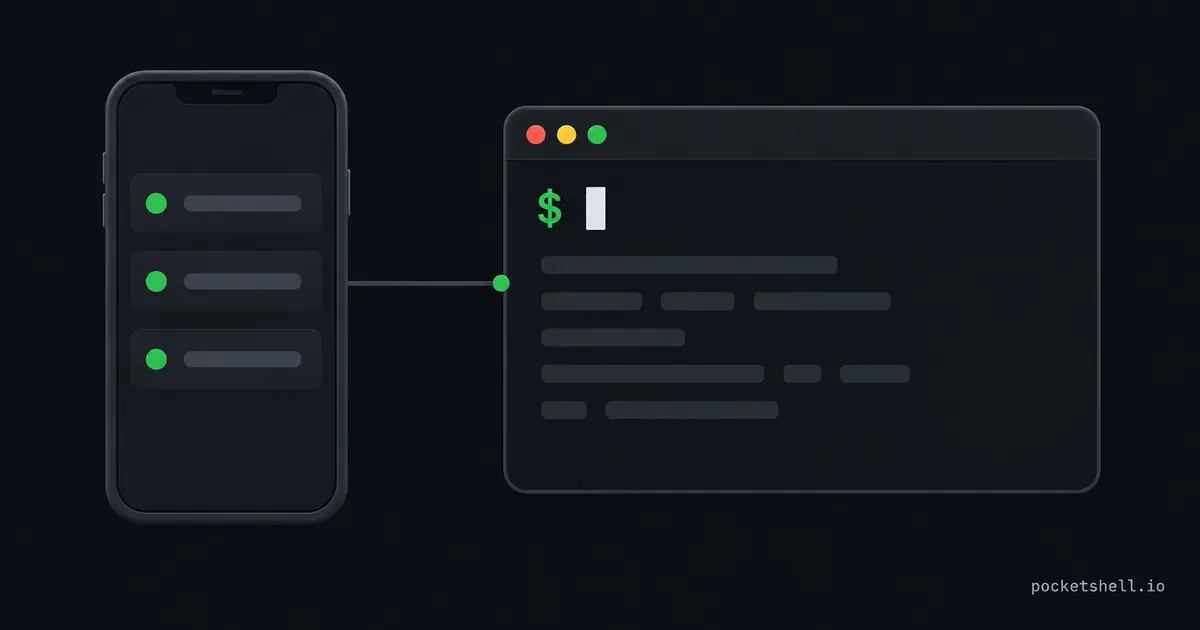
An agent you launched before dinner is still running at ten. It might be done, it might be stuck on a permission prompt, or it might have spent two hours going the wrong way. You're on the couch with a phone. Checking on it should be a 30-second detour, not a reason to walk back to the desk.
A phone is for checking in, not for coding
Start by deciding what the phone is for, because it only handles short interactions. You can review a diff or accept the agent's proposal. You can send a one-sentence answer or read a transcript.
Longer work doesn't fit a phone. Writing a prompt the length of an email on a touchscreen is painful. Debugging a test failure ends with you squinting at a 300-line diff at a traffic light.
Over SSH, aplexer makes each check thumb-sized:
a list                        # which sessions exist and their states
a open review                 # attach to the one that needs you
a capture --screen --plain    # read the screen as text, no attach
Attach, read the repainted screen, reply with one line, and detach with
Ctrl-b d. The agent kept running the whole time, and you never opened a
laptop.
The SSH route, tuned for thumbs
This post assumes the agent already runs on a server. If it's still on your laptop, start with the remote machine setup guide and come back once it's running there.
Plain SSH from a phone works, and the iPad and iPhone client guide covers picking a client and setting up keys. On Android, Termius is the same polished client, and Termux gives you a full terminal under the app. A couple more habits make it fast enough for one thumb.
Anything you type more than twice becomes an alias or a Makefile target on the server, so phone-you only ever types short words:
# ~/.bashrc on the server
alias csp='claude --dangerously-skip-permissions'
alias cy='codex --full-auto'

# Makefile in the project
check:
	cargo test
For anything longer than a sentence, skip the keyboard entirely and dictate. Voice input into a terminal feels wrong until you try it. Agents clean up messy transcription, so your spoken rambling arrives as a tidy prompt.
A system built for this, from the field
I run my agents on a rented server and drive the whole thing from an Android
phone. Mid-commute and between-gym-sets minutes have become working time.
Sessions survive disconnects under aplexer, and attaching takes the session
number straight off the list, so a 1 is the whole command.
Three two-letter aliases start Claude, Codex, and OpenCode. A small Android app auto-forwards the ports agents spin up, so previews open in the phone browser. I wrote the full setup, including the safety rails around skipping permission prompts, on AI Shipping Blog.
A year of this comes down to short commands, sessions that never die with the connection, and permission-skipping only on a machine with nothing precious.
Skip the setup entirely
The SSH route asks you to maintain a client, keys, and a pile of aliases on the phone. There's a shorter path: open a browser tab. PocketShell keeps your host list in your account and attaches to the same aplexer sessions from any device. The connection rides an authenticated WebSocket, and the check-in happens in the tab with nothing installed. The server needs the PocketShell CLI and nothing else, and the sessions you already run keep running exactly as they were.
To learn more
These three pick up where this one stops: